Patterns Overview
All patterns are designed to be responsive, mobile-friendly, accessible, and optimized for performance. The goal is to allow you to easily drag and drop any number of these patterns in any order on a page without needing to modify any code or block settings—simply update the content and colors as needed. You should be able to create a multi-page site using any combination of these patterns, without the need to develop new ones.
If you're new to WordPress's Block Patterns, check out the WordPress's Block Patterns Guide
BC Gov Logo Light
This is an experimental pattern that is not yet ready for use.
Horizontal Card with Large Image
Full-width layout with flexible content area and optional button component.
Standard layout: 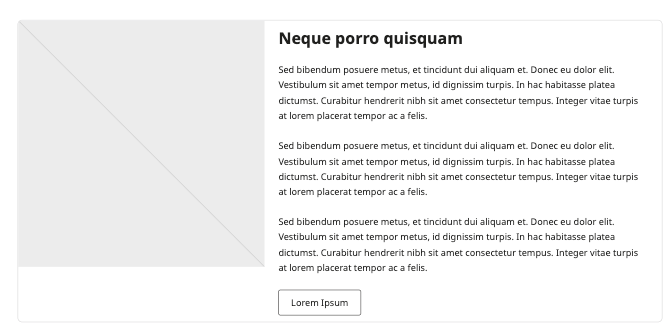
Example implementation: 
Variation Example right: 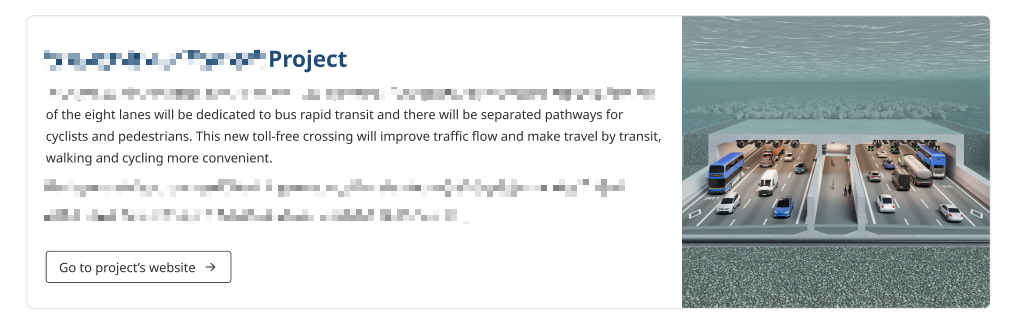
Vertical Cards
Flexible card layout that supports both images and icons.
Standard layout: 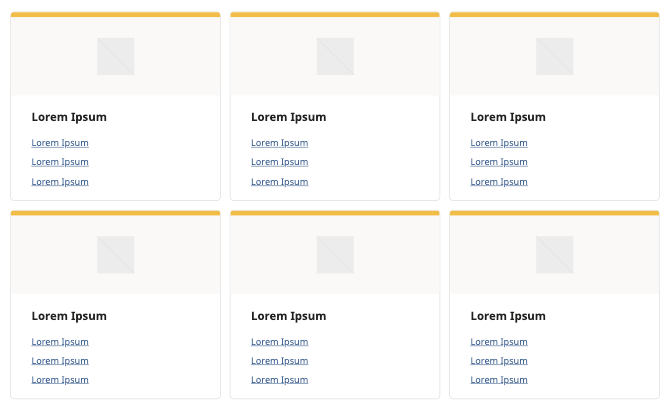
Example implementation: 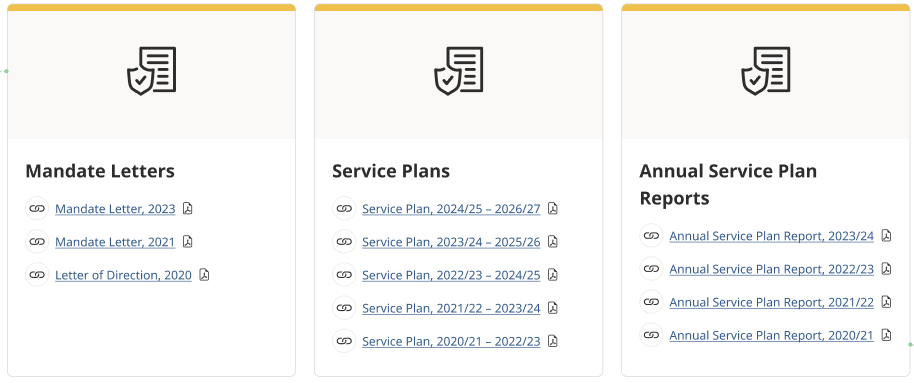
Hero Image with Title
Main banner images with text overlay
Standard hero banner: 
Example implementation: 
Secondary Hero
Smaller banner sections with compact layout
Standard layout: 
Example implementation: 
Heading with Paragraphs
Text content with styled heading
Standard layout: 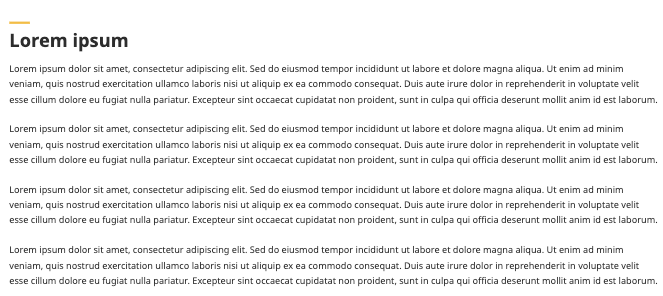
Image & Text
Image and text content blocks with flexible layout options
Standard layout: 
Example implementation: 
Variation Example right: 
Team Pattern
Staff and team member displays with contact information
Standard layout: 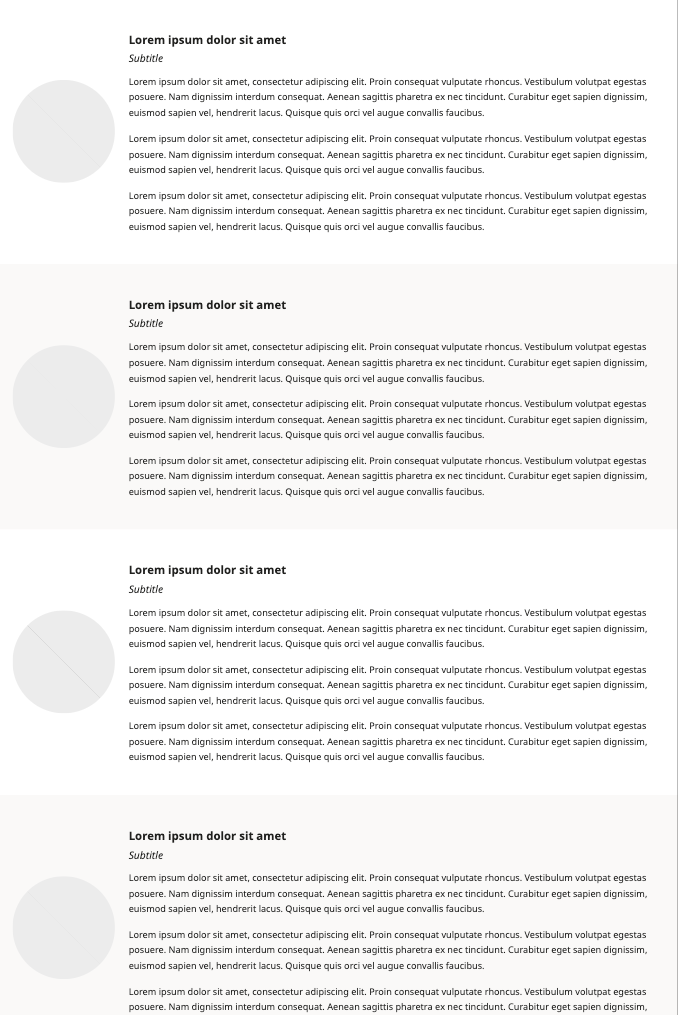
Example implementation: 
Information Contact Socials
Contact information
Standard layout: 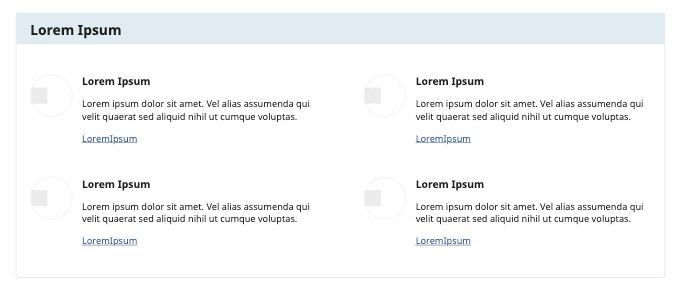
Example implementation: 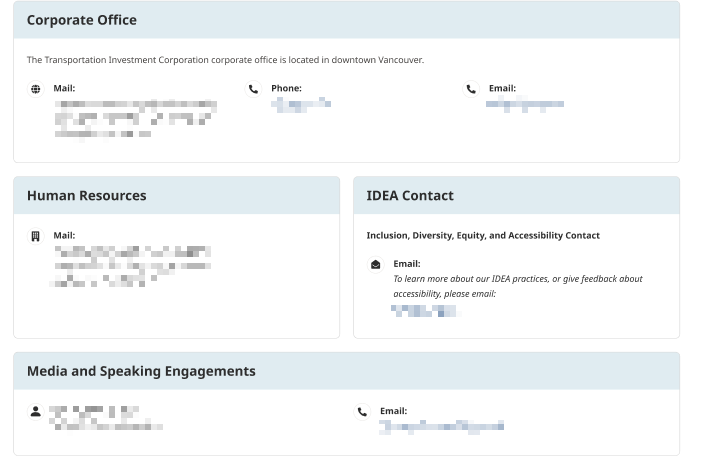
Icon with Excerpt
Short content blocks with icons
Standard layout: 
Example implementation: 
Card with Hyperlink List
Card layout with icon and title at the top
Standard layout: 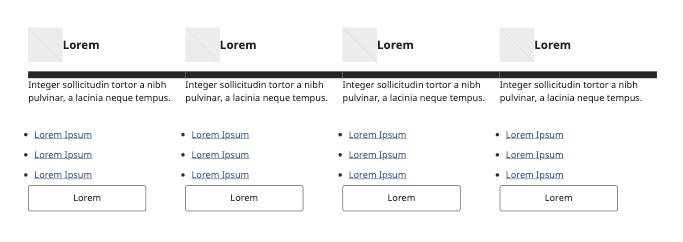
Example implementation: 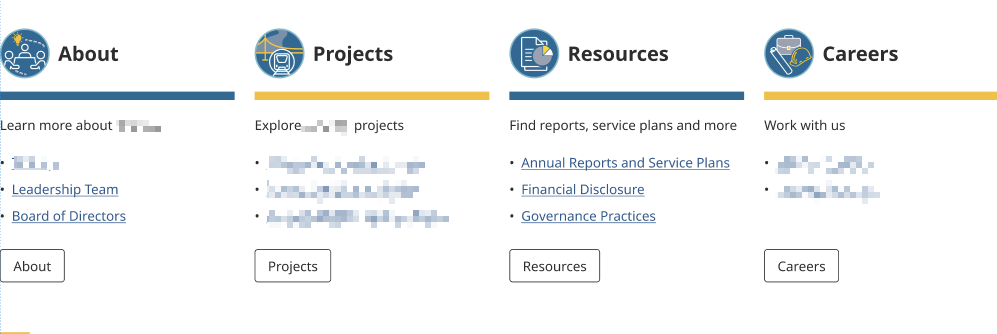
Best Practices
Pattern Selection
- Choose patterns based on content type
- Maintain consistency across pages
- Consider mobile responsiveness (How patterns look on mobile devices when stacked on top of each other)
Content Population
- Replace all placeholder text
- Use appropriate image sizes
Accessibility
- Include alt text for images
- Maintain color contrast
- Ensure proper heading structure
Performance
- Optimize images before upload
- Don't overload pages with patterns
- Consider load times