DSWP Default Heading
Overview
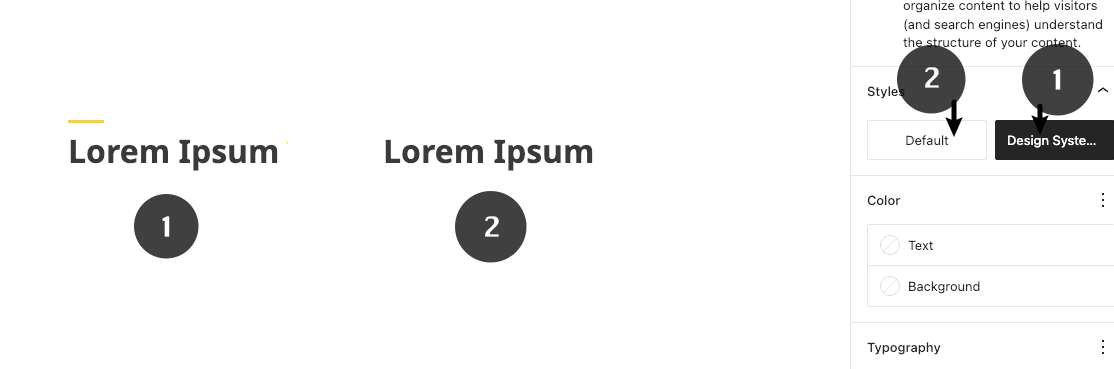
This pattern provides a standardized heading block with carefully defined spacing that aligns with the WordPress Design System. The heading block features a style variation that lets you choose between two appearances: the BC Government's visual style (1) or the default WordPress style (2). For consistency and proper design integration, it is recommended to use this pattern instead of the default WordPress Heading block.
Important Note
Each pattern consists of several blocks. Only adjust the content and color block settings. The structural settings (padding and margins) are pre-configured for responsiveness. Modifying structural settings may break the pattern.
Pattern Components
Common Tasks
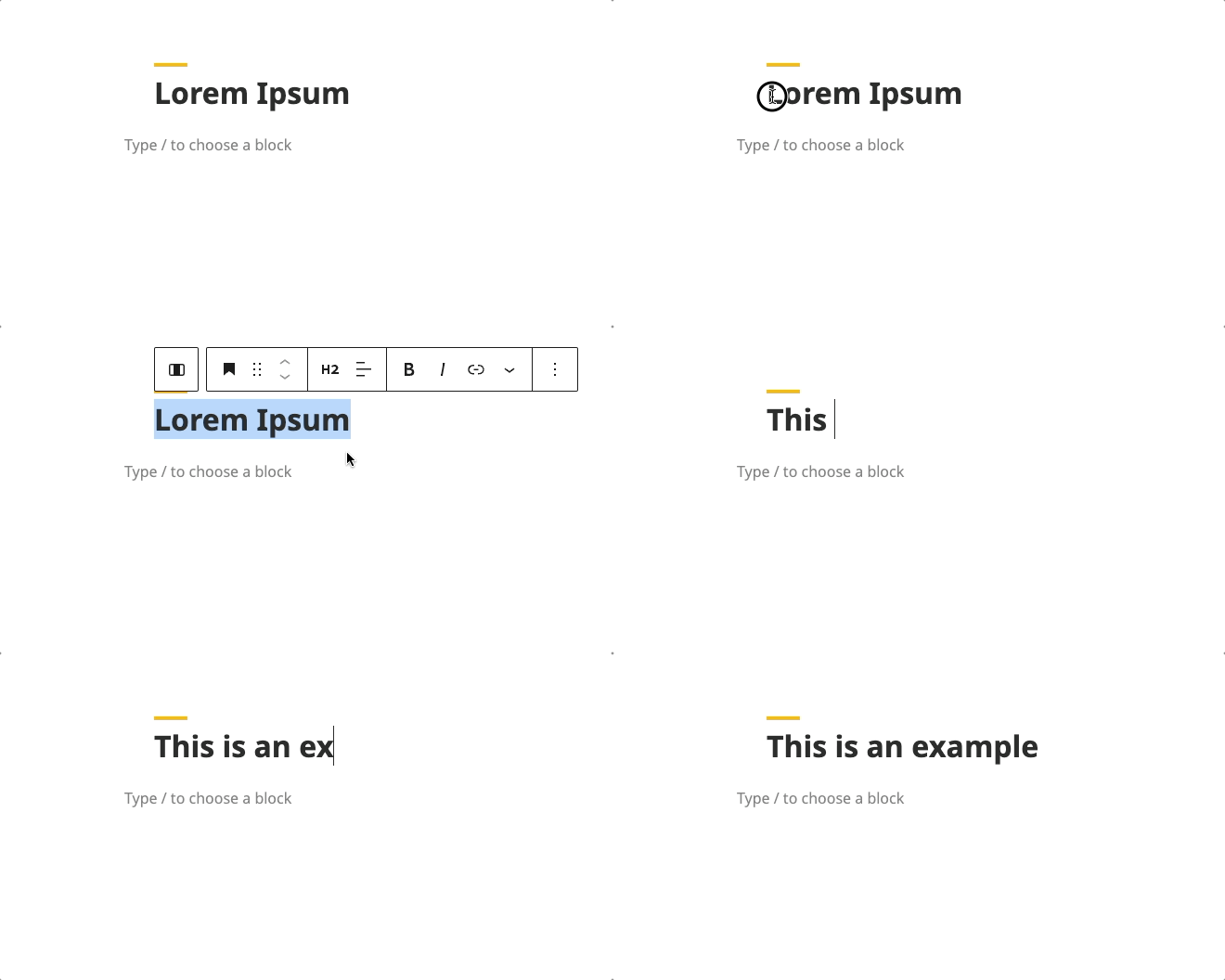
Modifying the Heading Text
- Click on the heading text
- Type your new heading
- The styling will automatically apply
Changing Variation
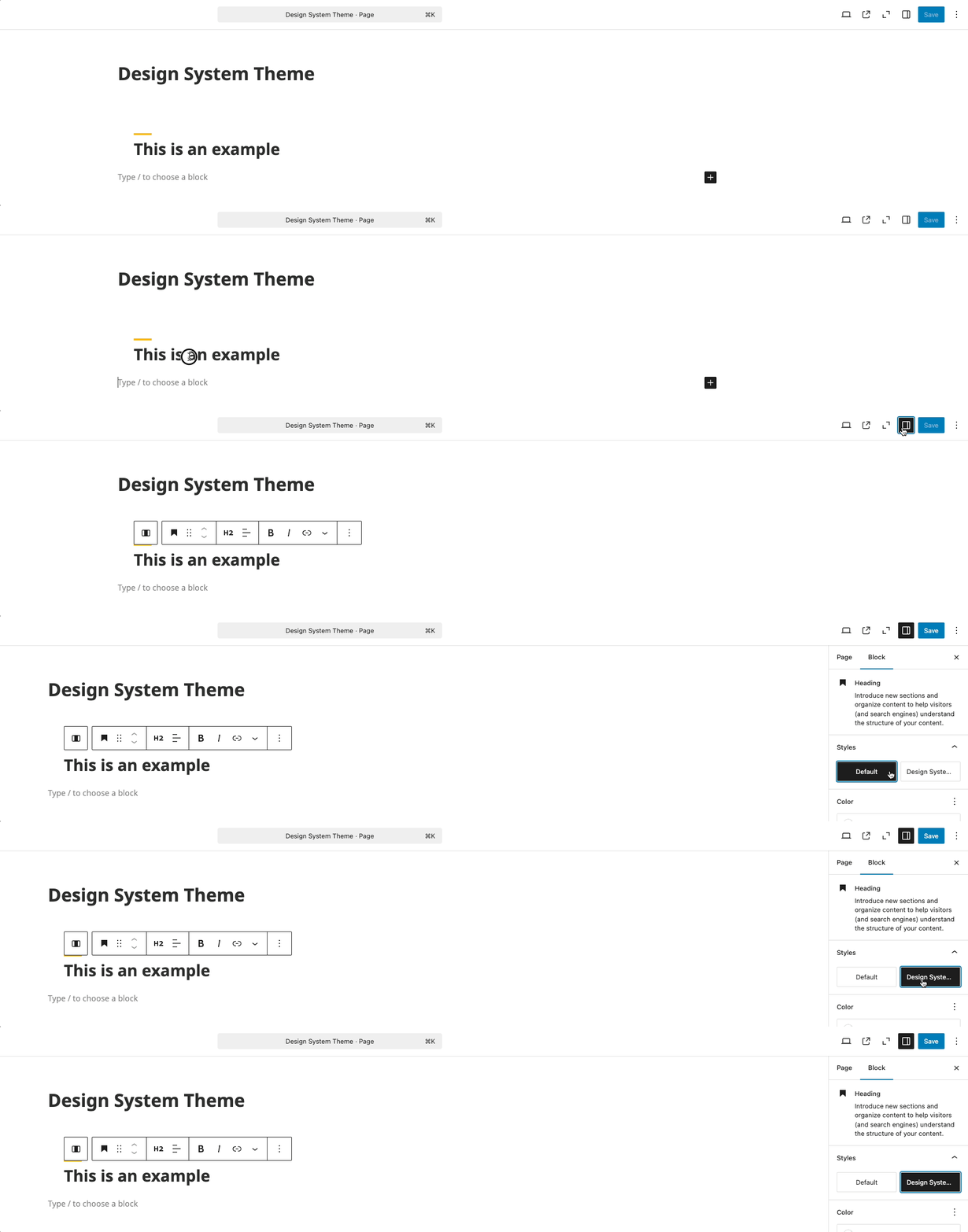
- Select the heading block
- Click the block settings
- Choose between the two options
Block Documentation
For detailed instructions on modifying specific blocks, refer to WordPress's official documentation: