DSWP Horizontal Card No Shadow
Overview
This pattern creates a horizontal layout with content on the left and an image on the right, without box shadow effects. It's designed for clean, minimal presentations featuring a heading, subheading, and a list of links alongside an image.
Important Note
Each pattern consists of several blocks. Only adjust the content and color block settings. The structural settings (padding and margins) are pre-configured for responsiveness. Modifying structural settings may break the pattern.
Pattern Components
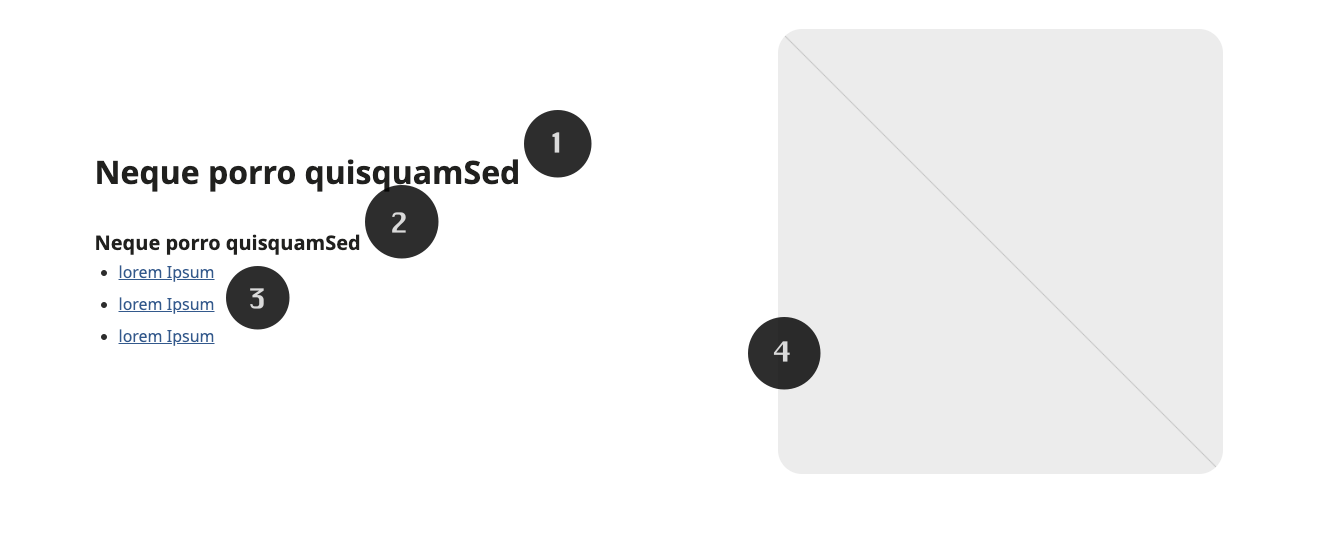
The pattern consists of:
Main heading - (H2, bold)
Subheading - (H5)
Linked list - (2.0 line height)
Full-size image
Common Tasks
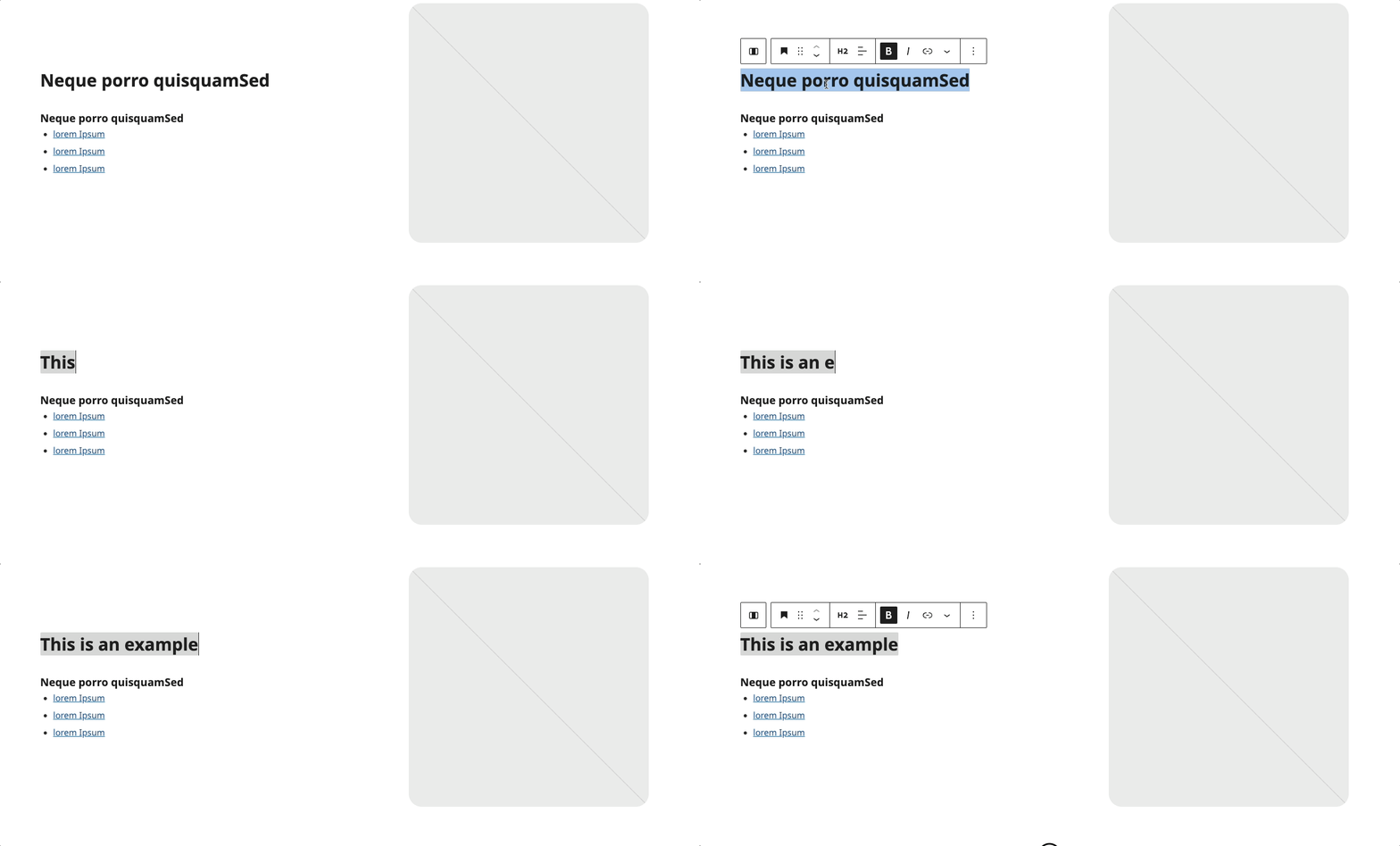
Main Heading:
- Click to edit the H2 heading
- Maintains bold styling
- Dark font color
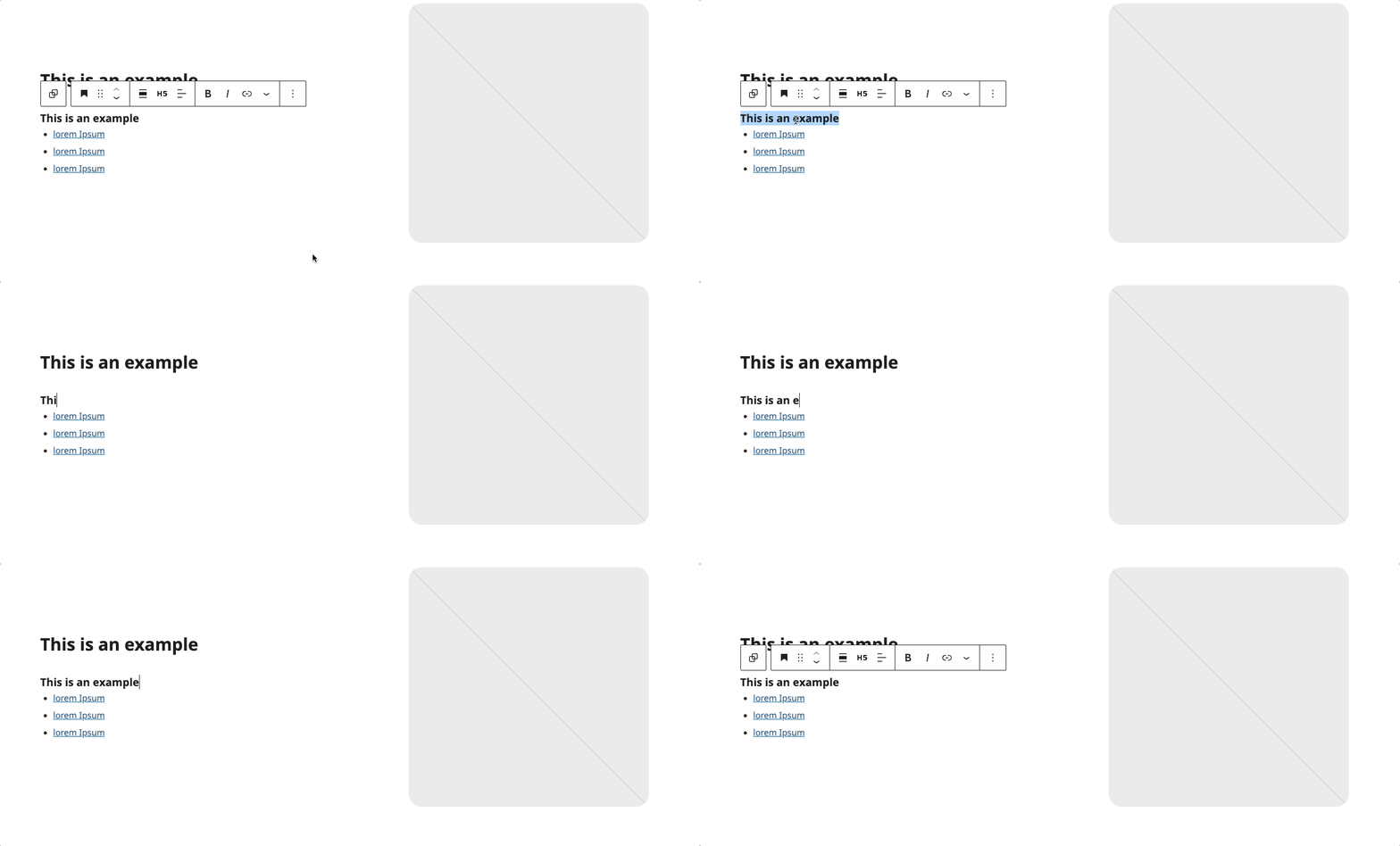
Subheading:
- Click to edit the H5 subheading
- Maintains consistent styling
Link List:
- Click to edit list items
- Update link URLs
- Add or remove items as needed
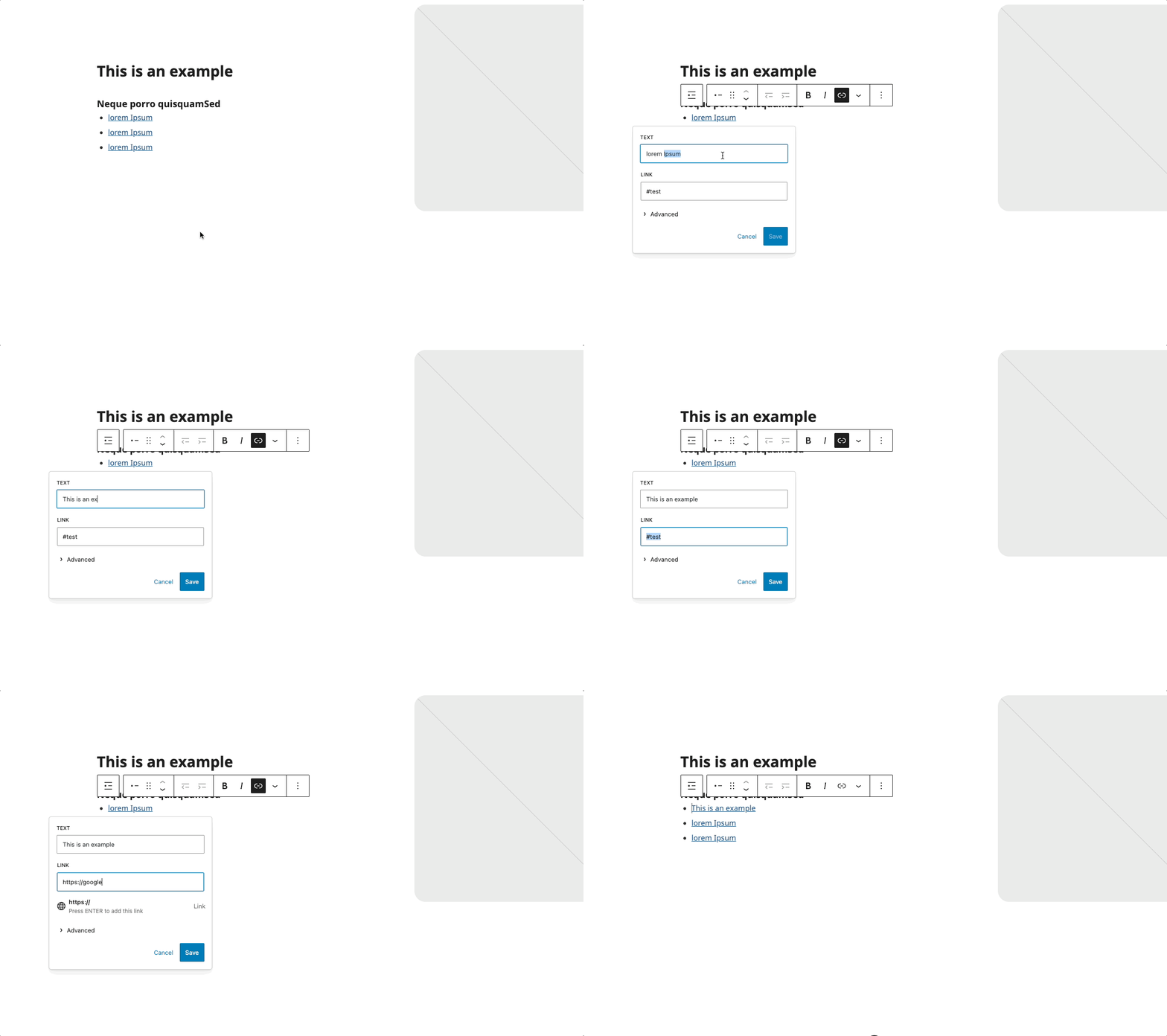
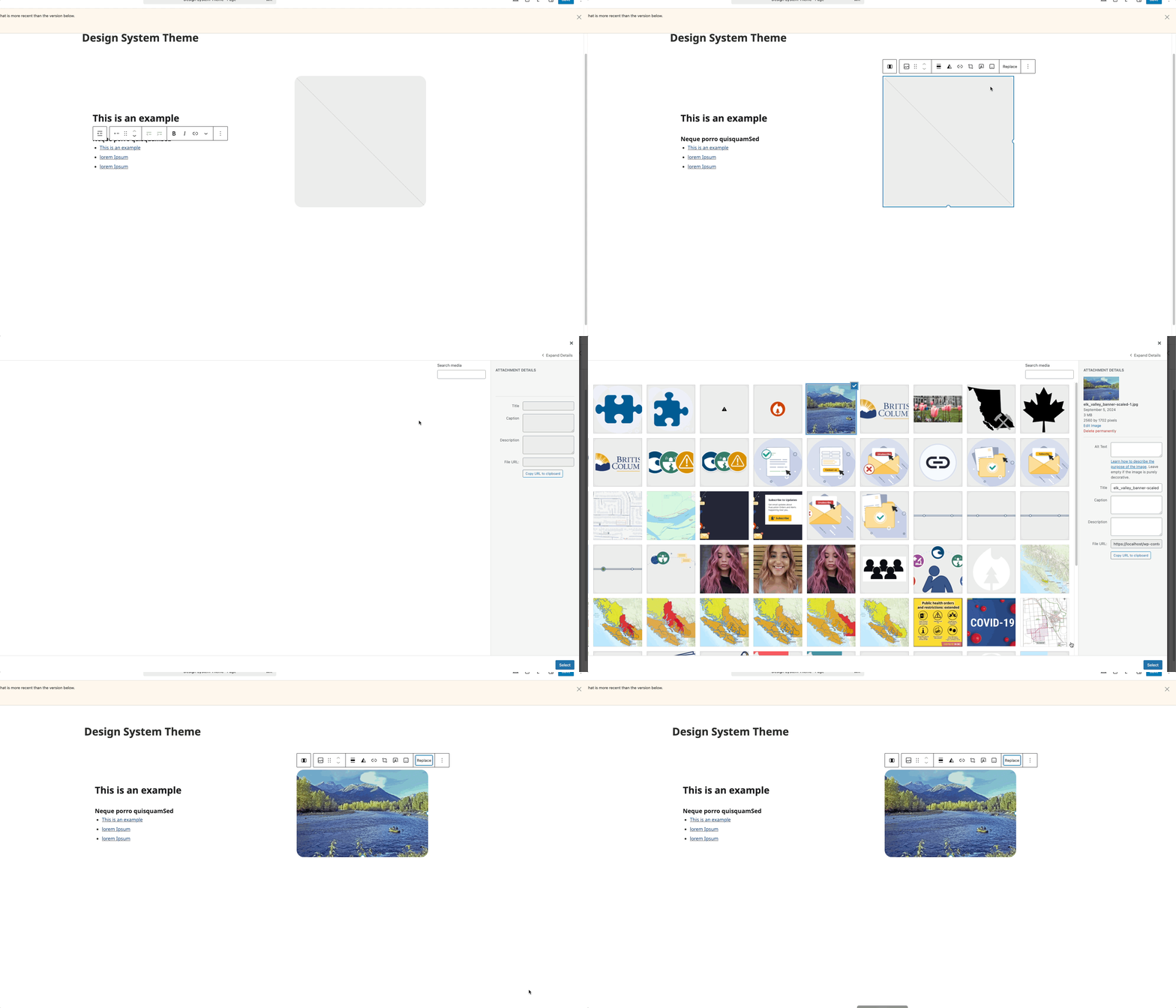
Image Replacement
- Select the image block
- Click "Replace"
- Upload or choose a new image
- Image fills the column width
Layout Considerations
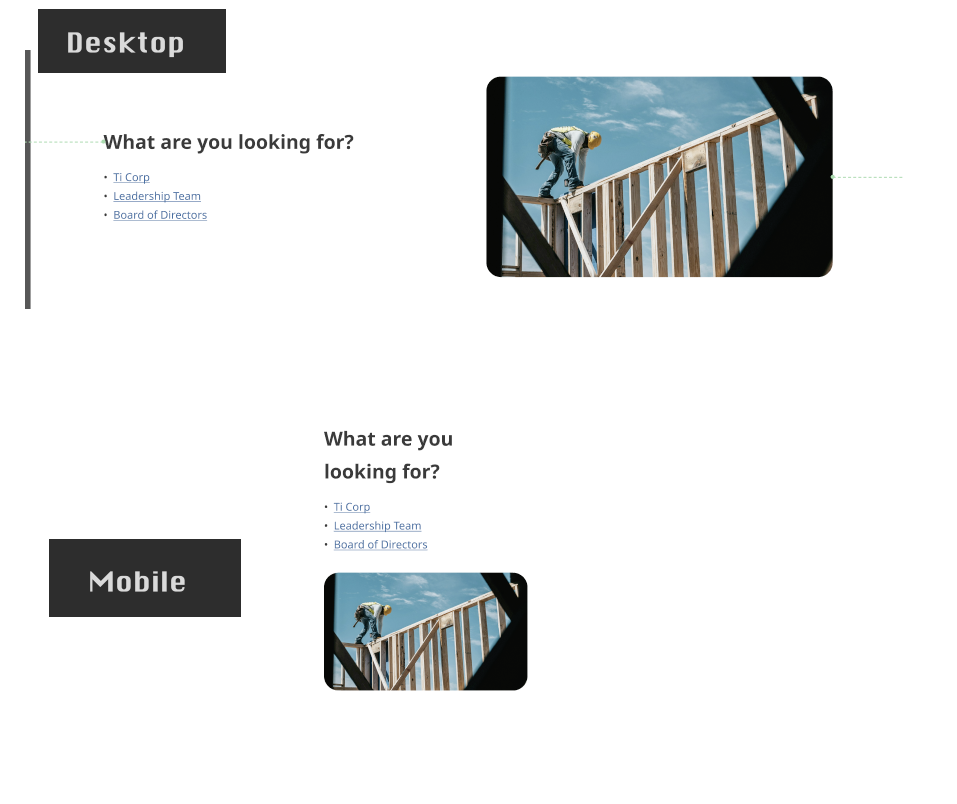
- Content appears on the left (60% width)
- Image appears on the right (40% width)
- Stacks vertically on mobile devices
Block Documentation
For detailed instructions on modifying specific blocks, refer to WordPress's official documentation: