DSWP Image & Text
Overview
This pattern creates an asymmetrical layout with an image on the left and text on the right. It's designed for content sections that need visual balance while maintaining readability.
Important Note
Each pattern consists of several blocks. Only adjust the content and color block settings. The structural settings (padding and margins) are pre-configured for responsiveness. Modifying structural settings may break the pattern.
Pattern Components
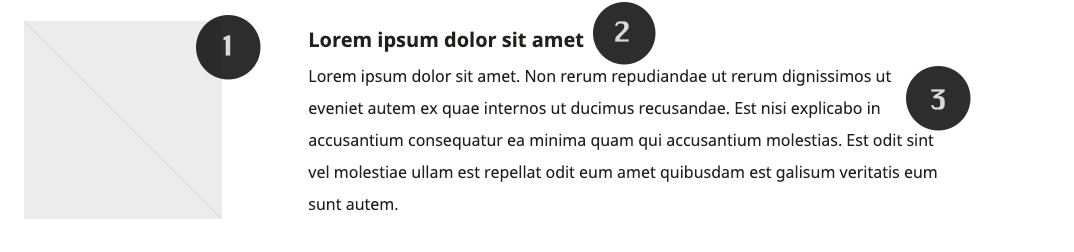
- Featured Image
- Square image container (1:1 aspect ratio)
- Heading
- Card title (H5)
- Description
- Body text
Layout Considerations
- Image column maintains fixed width
- Text column is vertically centered
- Spacing columns ensure consistent margins
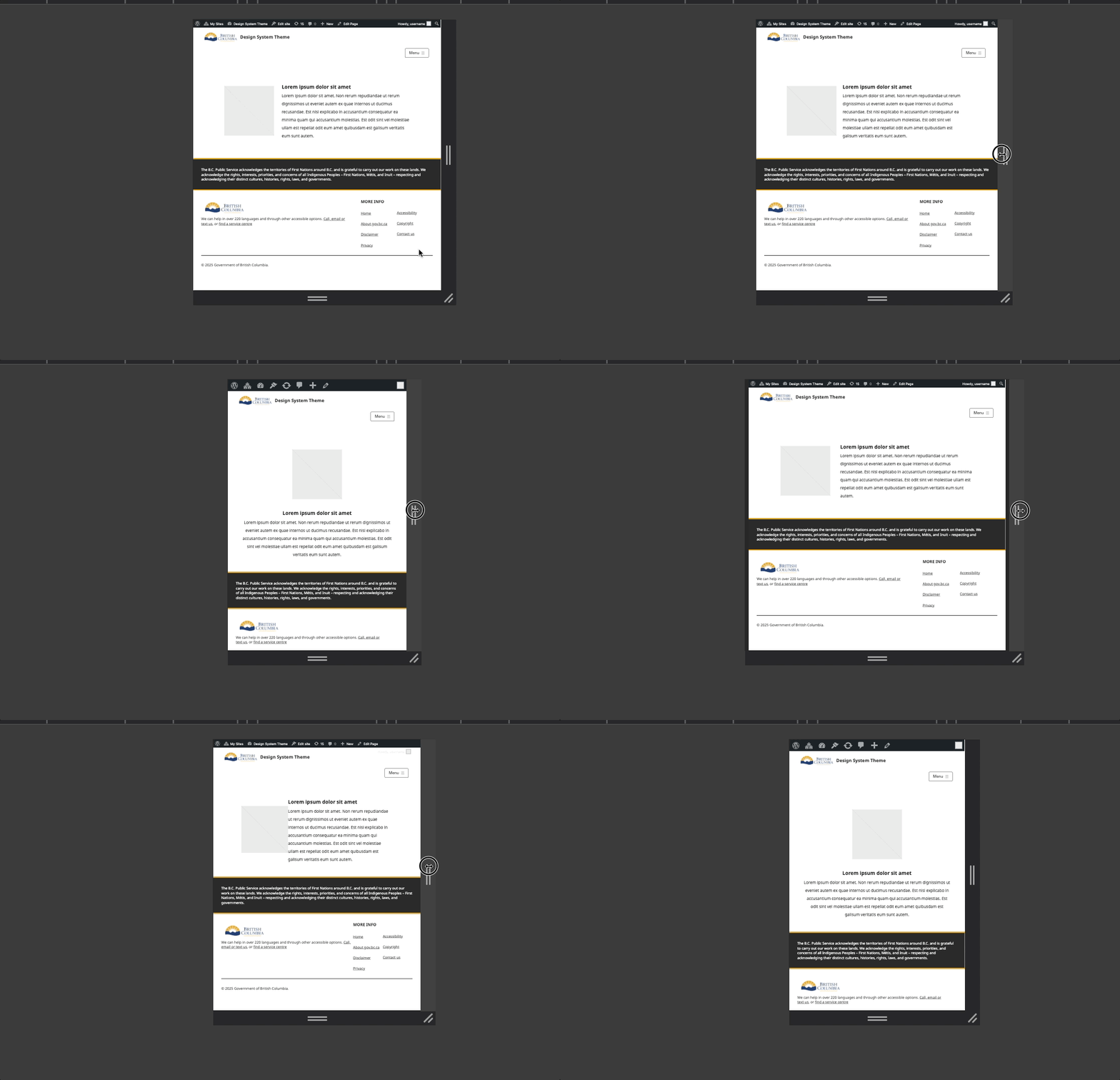
- Pattern adapts to mobile with stacked layout
Common Tasks
Image Modification
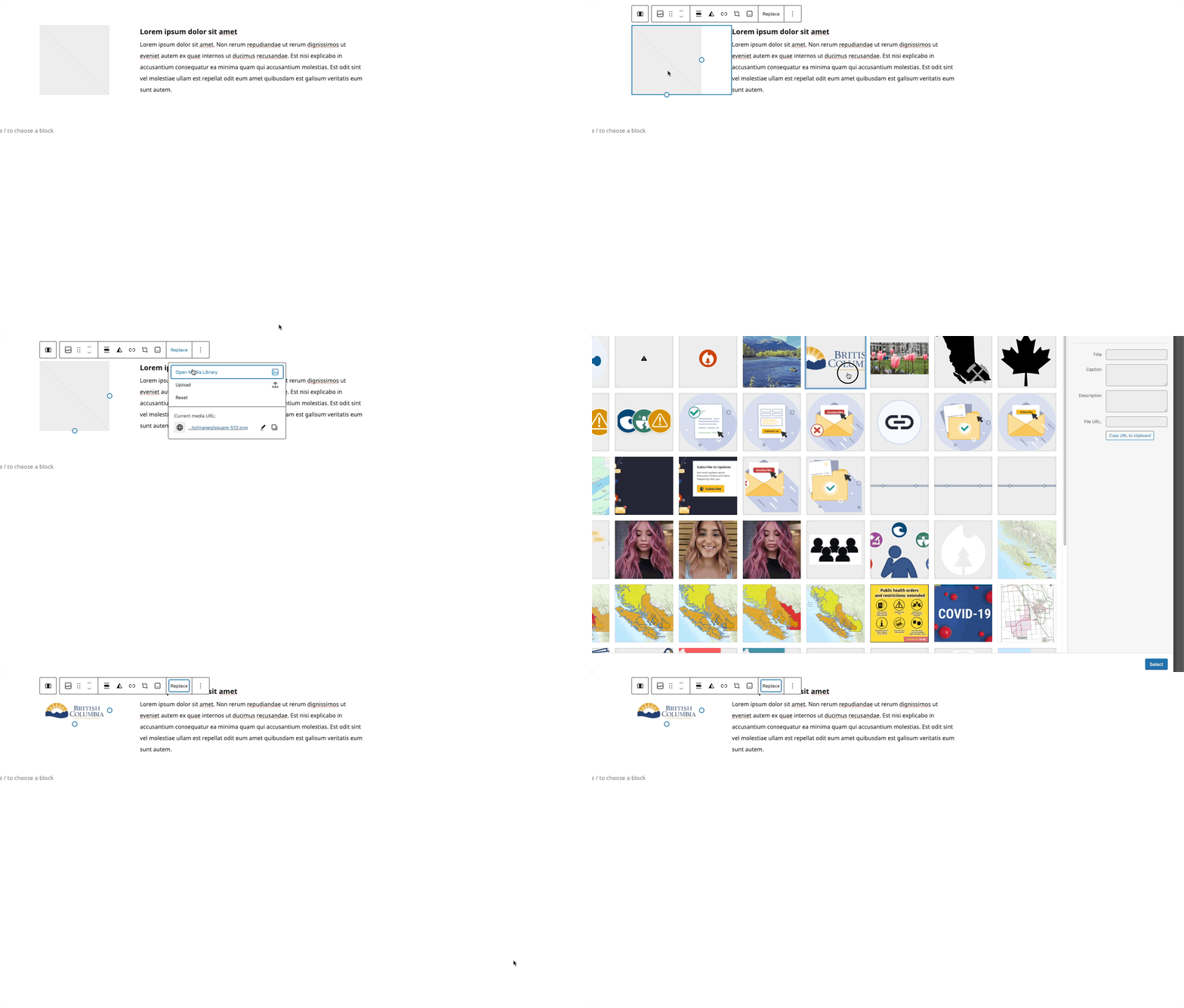
- Select the image block
- Click "Replace"
- Upload or choose new image
- Image width maintains 198px
Modifying the Heading
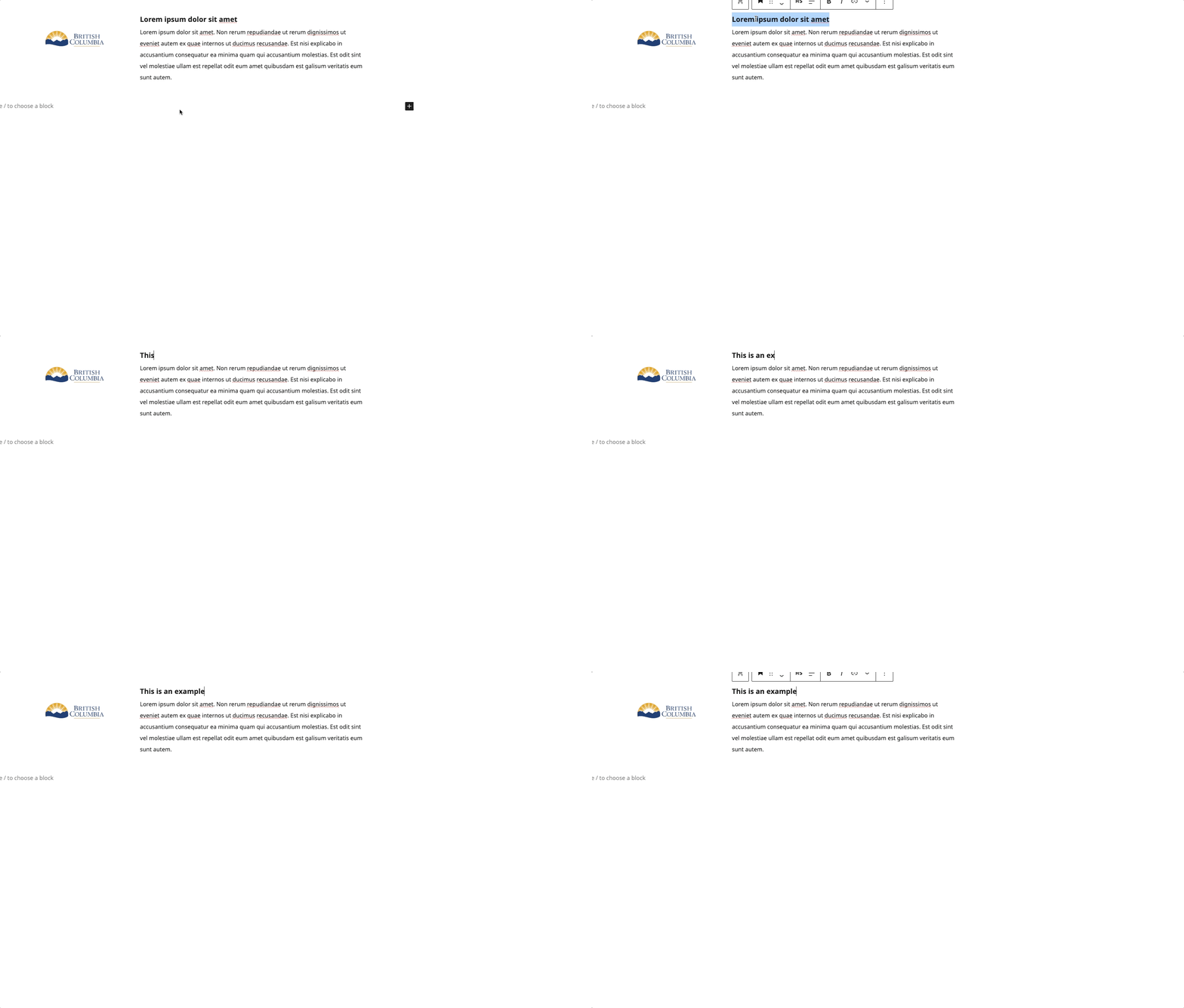
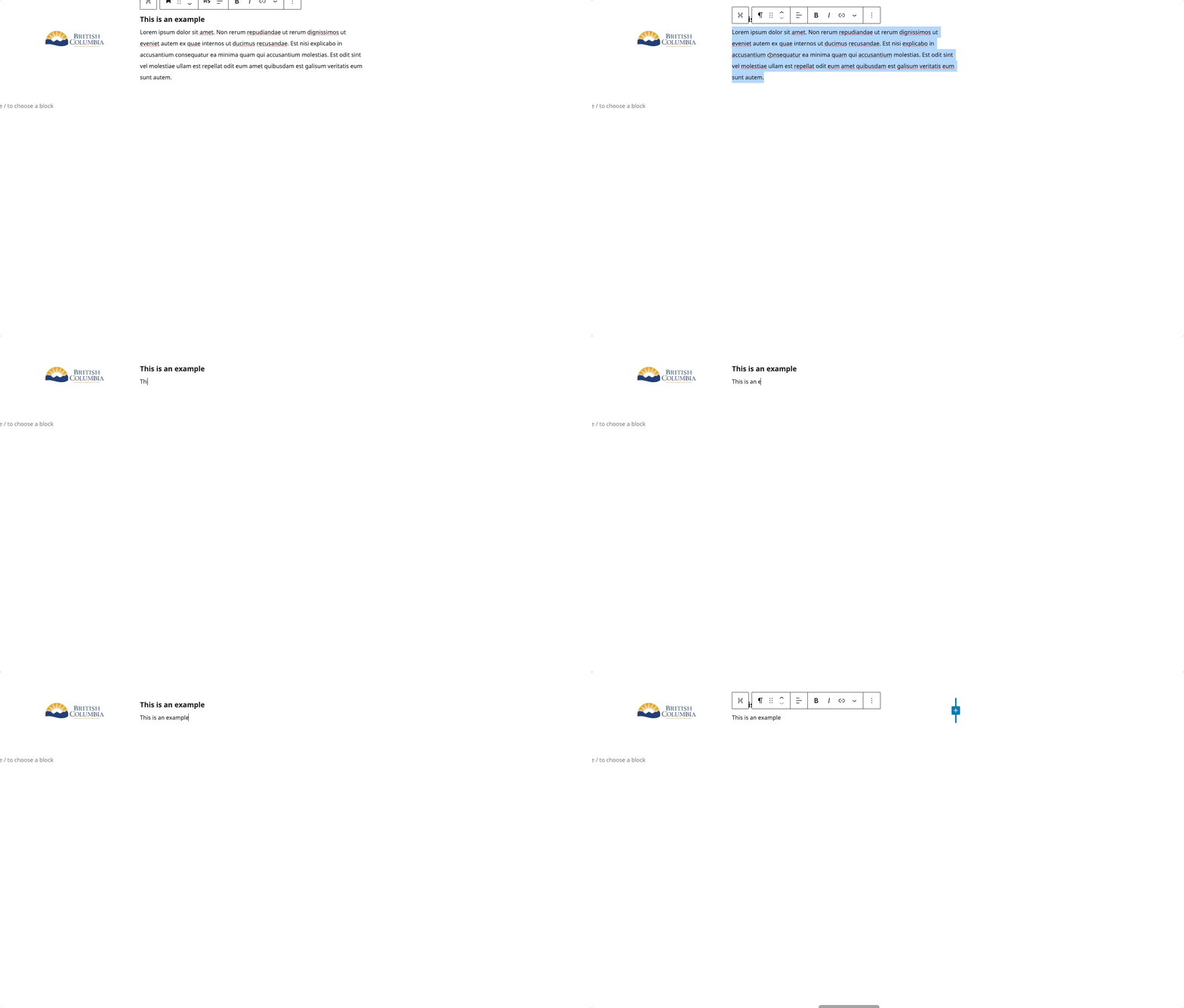
- Click on the heading text
- Type your new heading
Modifying the Paragraph
- Click to edit paragraph text
- Start Typing new content
Block Documentation
For detailed instructions on modifying specific blocks, refer to WordPress's official documentation: