DSWP Horizontal Card
Overview
This pattern creates a responsive horizontal card layout with an image and content side by side. It features a box shadow hover effect, making it ideal for interactive content sections like featured items, services, or blog post previews.
Important Note
Each pattern consists of several blocks. Only adjust the content and color block settings. The structural settings (padding and margins) are pre-configured for responsiveness. Modifying structural settings may break the pattern.
Pattern Components
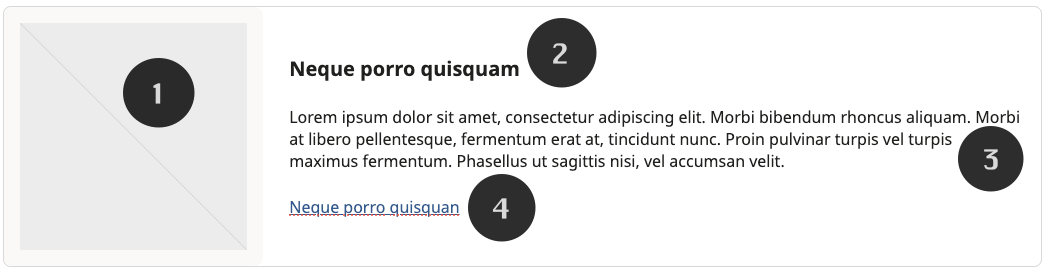
- Featured Image
- Light gray background
- Square image container (1:1 aspect ratio)
- Heading
- Card title (H5)
- Description
- Body text
- Link
- Call-to-action
Interactive Features
Box shadow on hover

Common Tasks
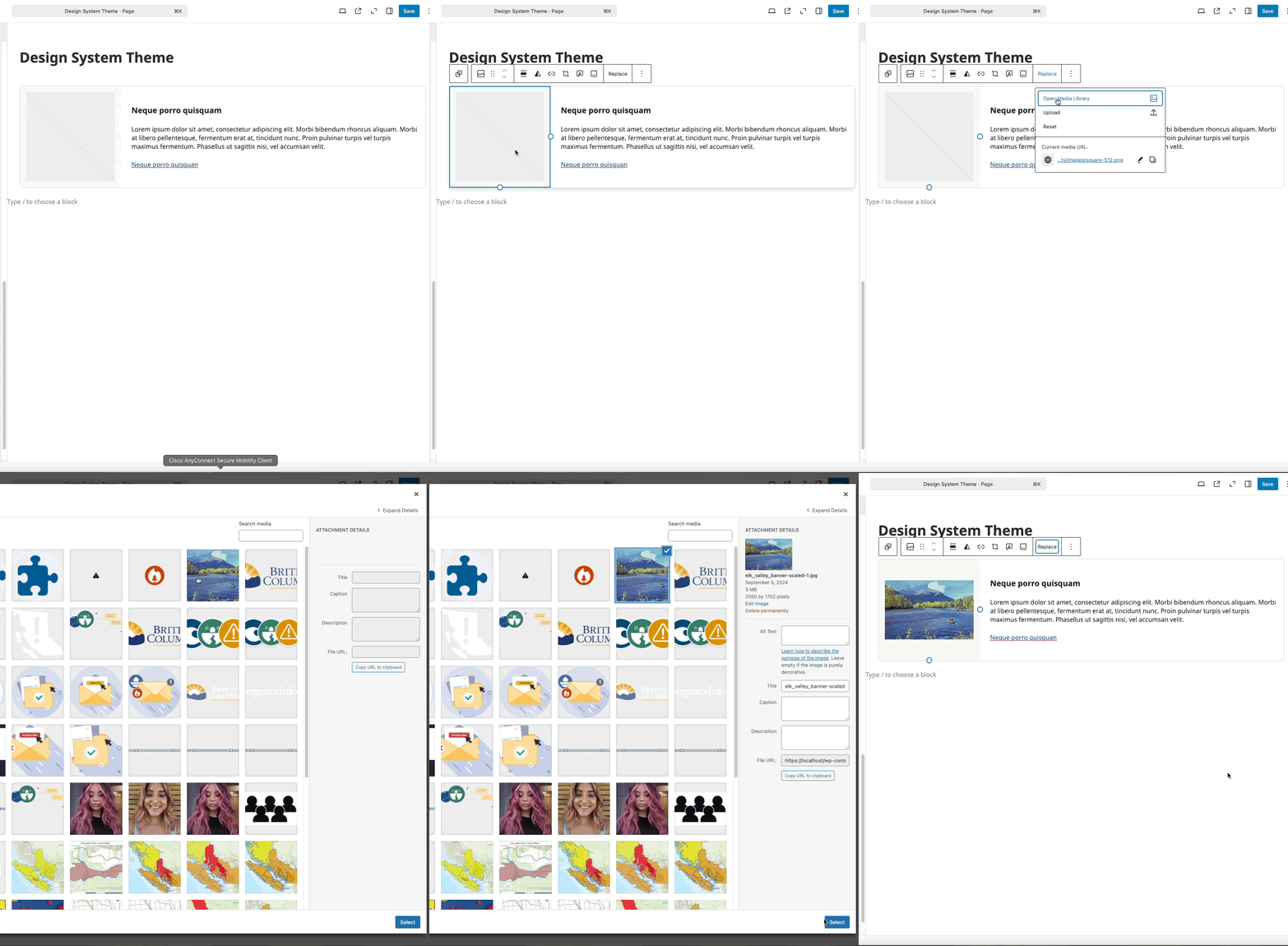
Modifying the Image
- Select the image block
- Click "Replace"
- Upload or choose a new image
- Image will automatically fit within the square container
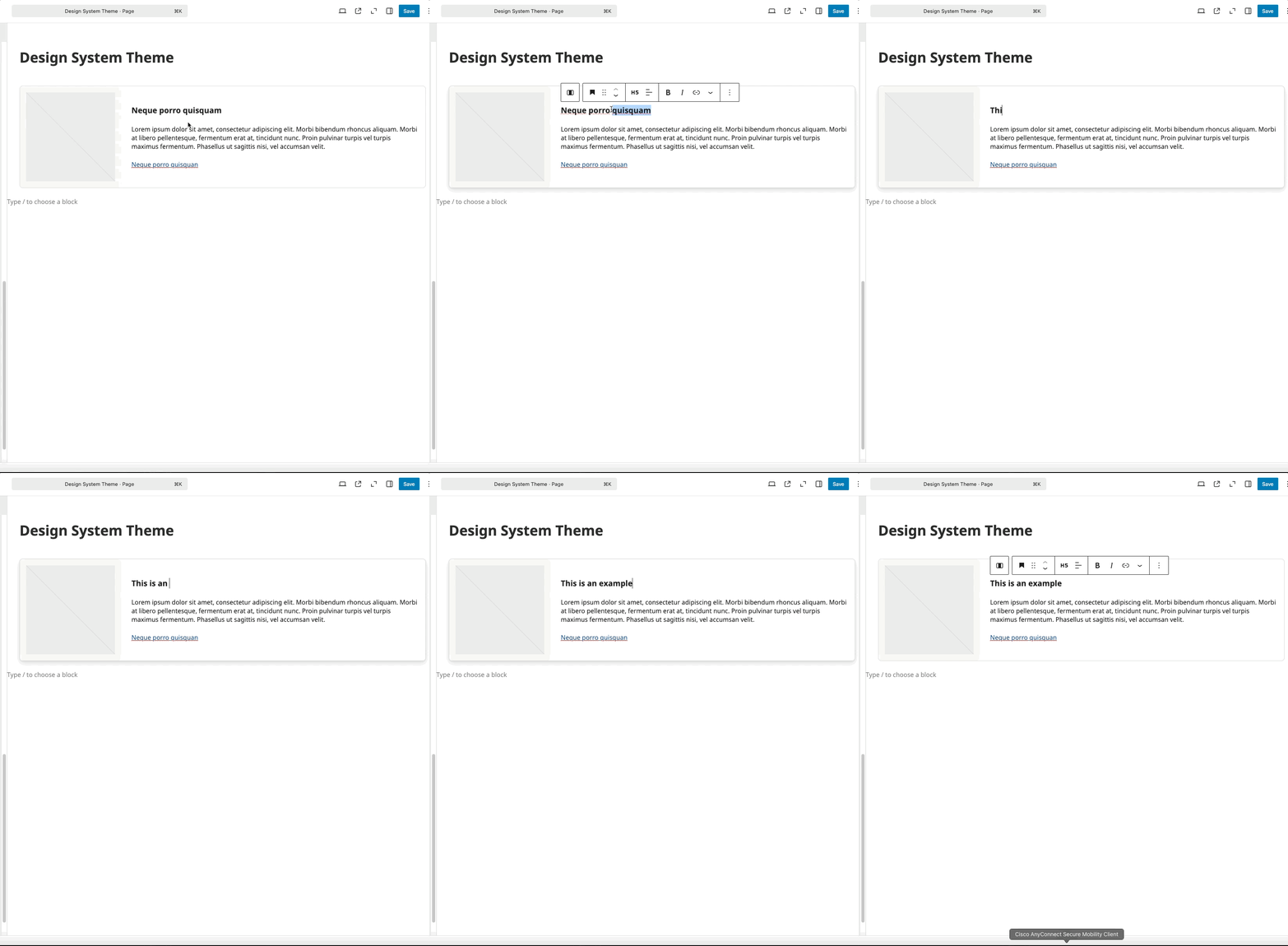
Modifying the Heading
- Click to edit the H5 heading
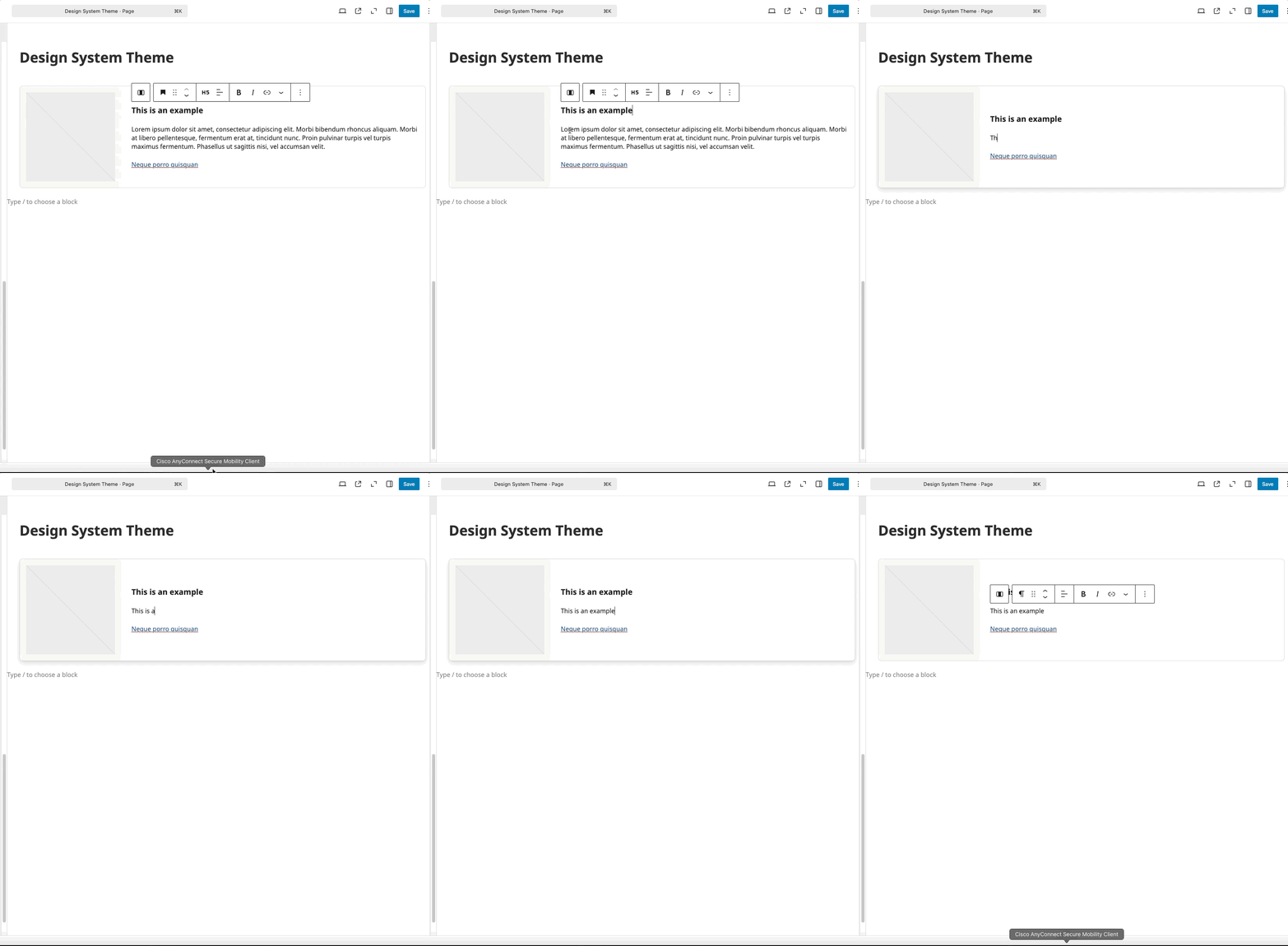
Modifying the Paragraph
- Click to edit the paragraph text
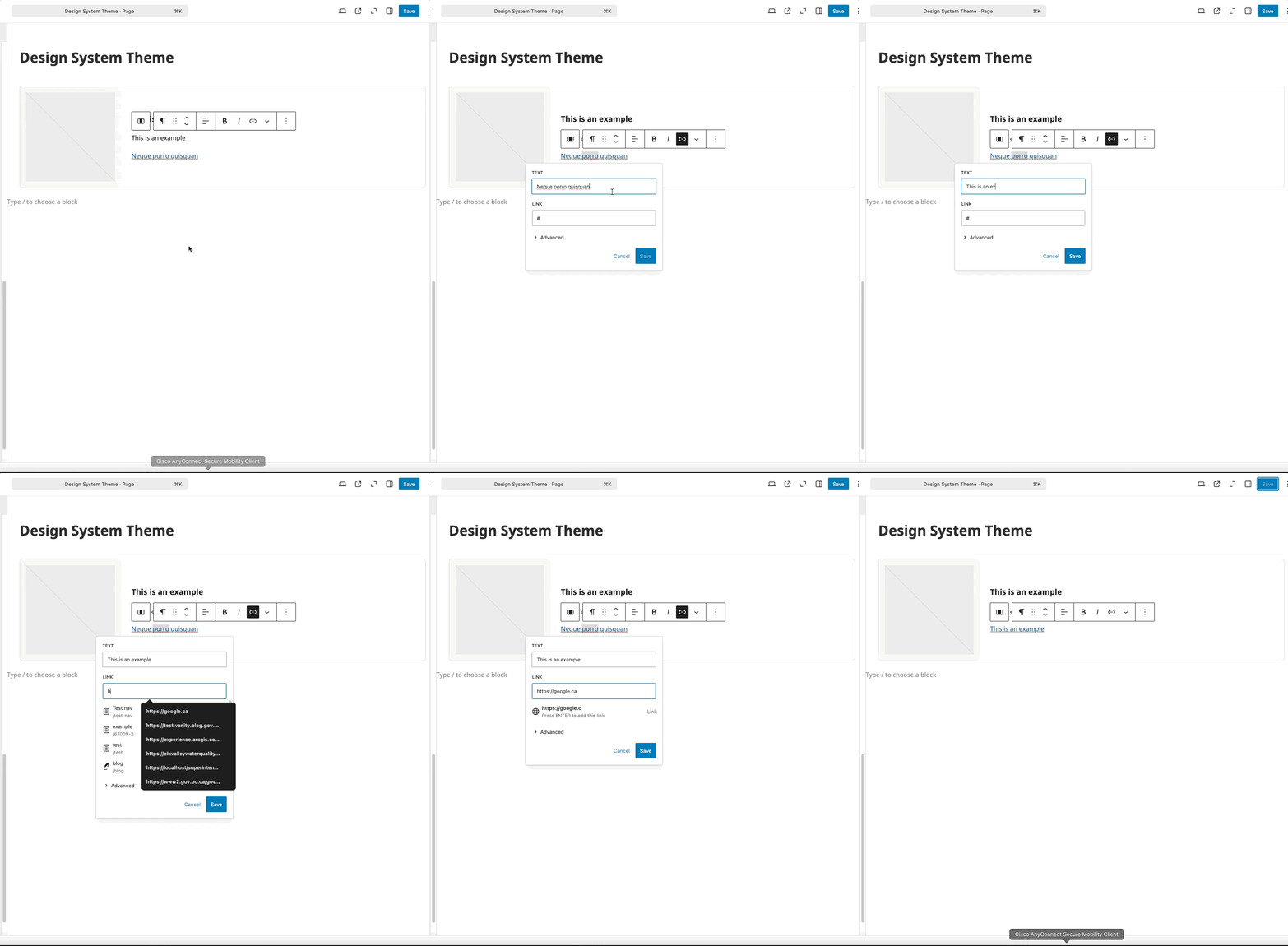
Updating Link
- Select the link text
- Update URL and text as needed
Block Documentation
For detailed instructions on modifying specific blocks, refer to WordPress's official documentation: