BreadCrumb Block
The BreadCrumb Block outputs a trail representing the current view (for example, Home / Parent / Child). It is especially useful for large sites with nested pages.
When to use
Place the block near the top of templates or in a Header/Content template part to improve navigation clarity and orientation.
Editing experience
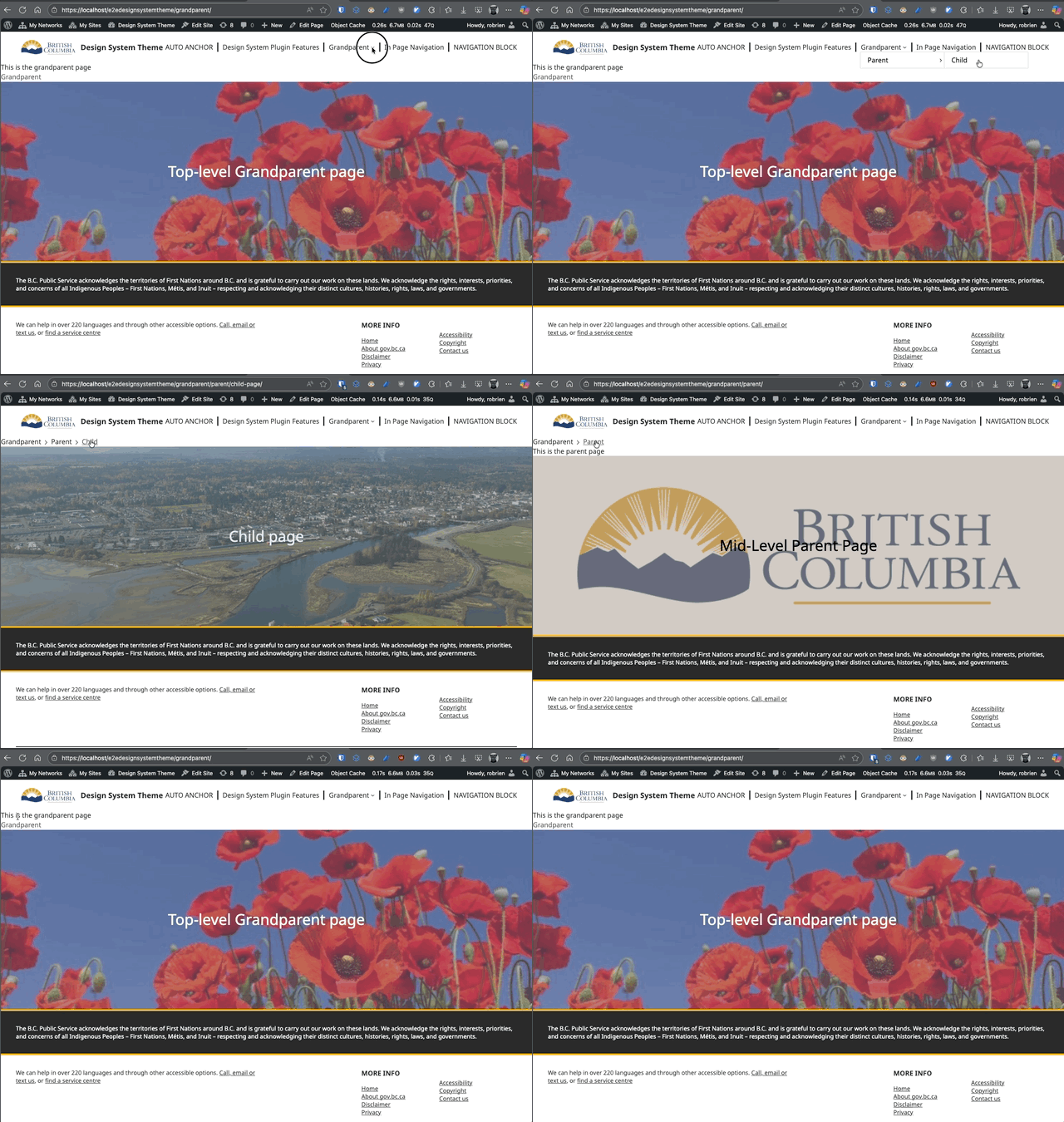
In the Site Editor or content editor, the block shows the static example Home / Parent / Child. The current context and hierarchy appear only on the front end. The block has no breadcrumb-specific settings.
Front-end behavior
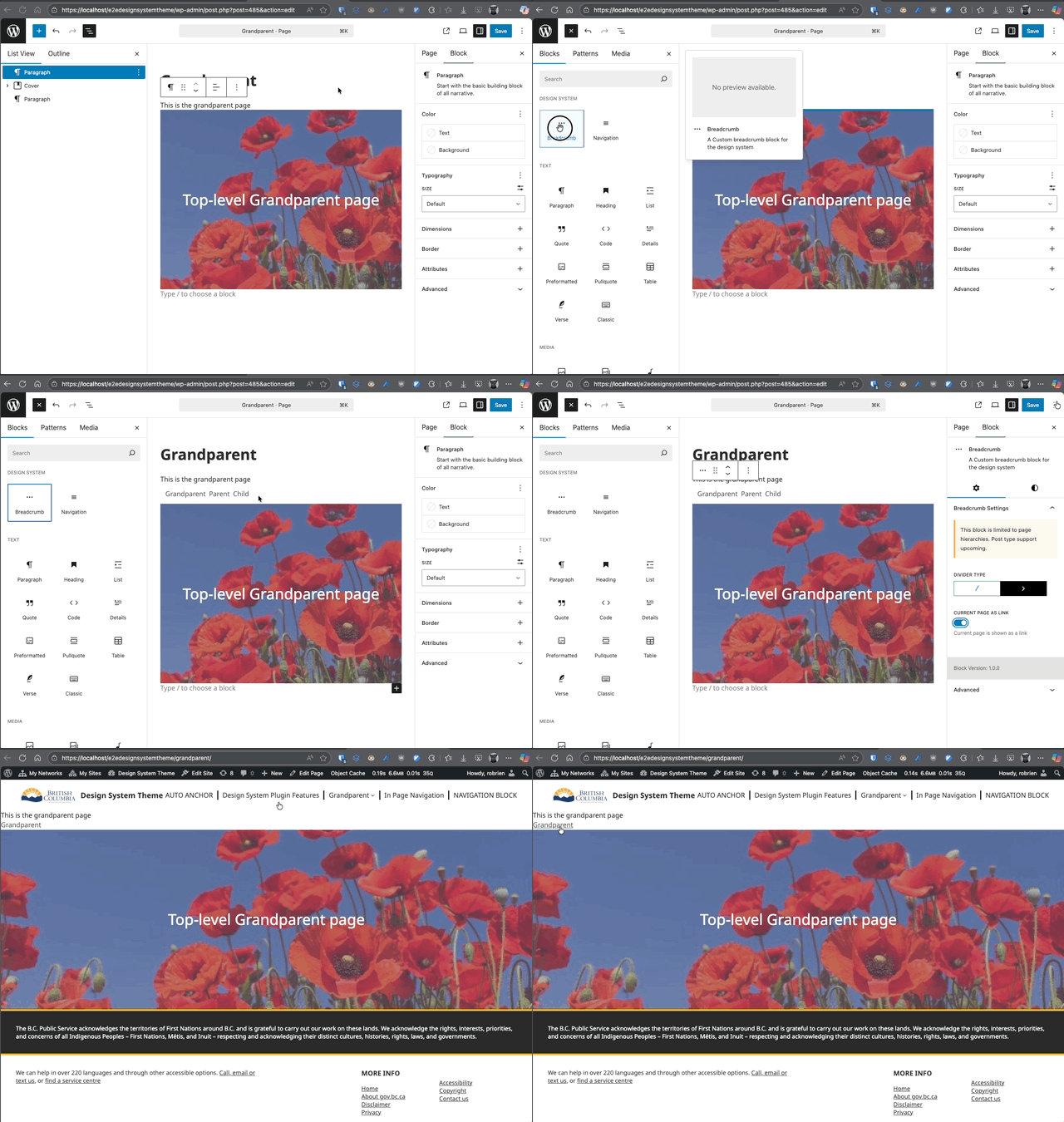
For singular hierarchical content, the trail contains Home, intermediate ancestors, and the current item as plain text. For non-hierarchical singular content, the posts index, search results, archives, and 404 pages, it shows Home followed by the current context. Home and ancestors are links; the current item is not linked. The breadcrumb is not displayed on the front page.
Usage examples
Add to a template
- Appearance > Editor.
- Open the relevant template or create a Template Part such as Header.
- Insert “BreadCrumb” block below site header.
- Save and view the template on the front end.
Quick demo hierarchy
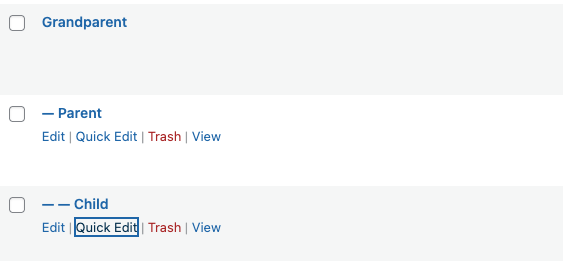
Create three Pages:
- Grandparent (top level)
- Parent (set Parent to Grandparent)
- Child (set Parent to Parent)
View the Child page with the block placed in the Page template.
Accessibility
- Uses a navigation landmark with an accessible label.
- Each ancestor is a link; the current item is plain text.
- Keep link text concise; page title changes automatically propagate.
Best practices
- Avoid placing multiple breadcrumb blocks on the same template.
- Keep divider style consistent site-wide.
- Do not manually duplicate breadcrumb links in body content.
Breadcrumb troubleshooting
- Breadcrumbs missing: Confirm the block is present in the template used by the current view.
- Wrong hierarchy: Verify parent settings for each Page.
- Breadcrumb absent on the front page: This is expected behavior.
Archives show the current archive title but not a taxonomy ancestor path.